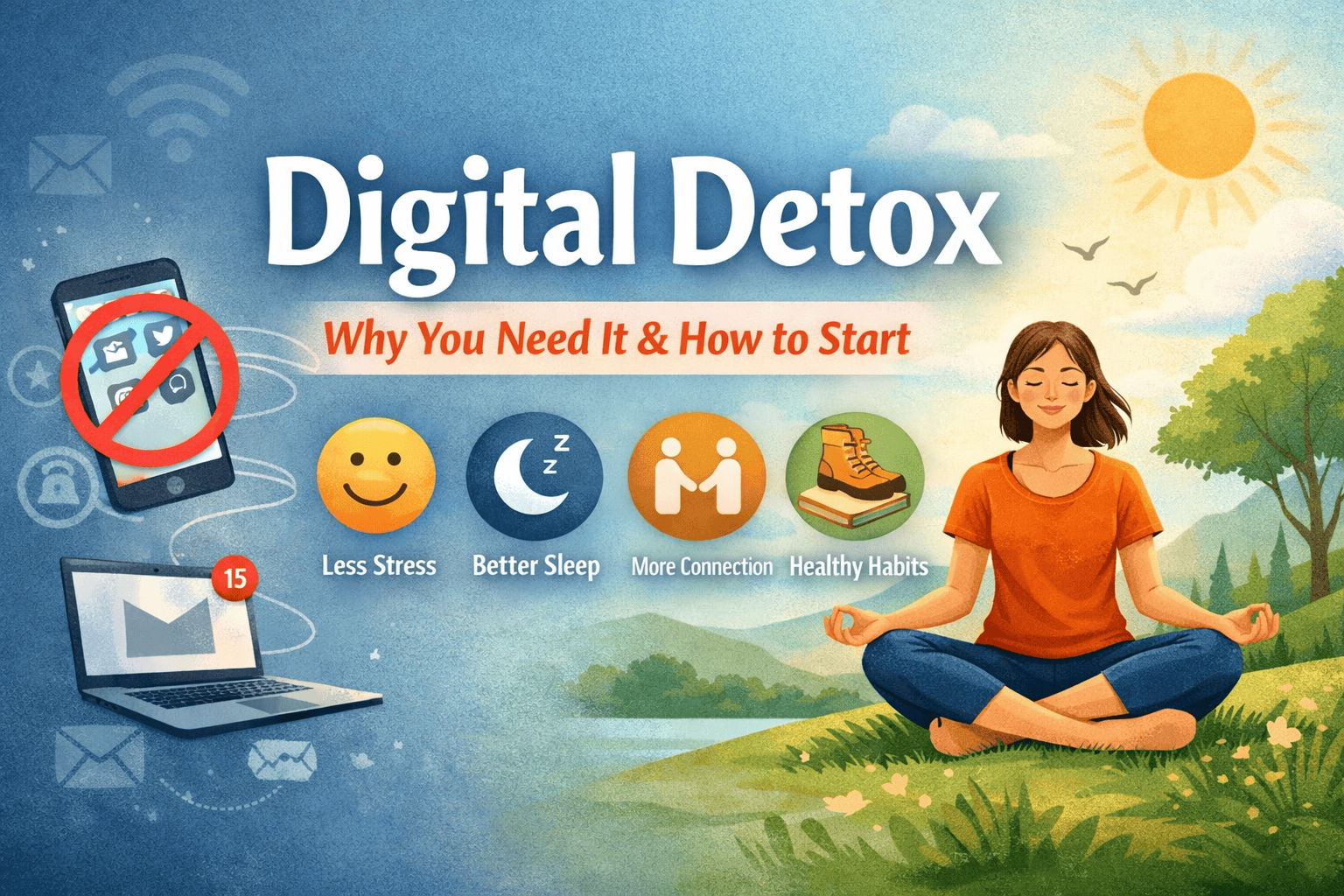
In today’s always-connected world, screens are everywhere—smartphones, laptops, tablets, TVs, and even smartwatches. While technology has made life more convenient and connected, it has also created a new kind of overload: digital fatigue. If you often feel distracted, stressed, or mentally drained after scrolling, you’re not alone.
This is where a digital detox comes in—a conscious break from screens and digital devices to restore balance, focus, and well-being.
In this comprehensive guide, you’ll learn:
- What a digital detox is
- Why it’s important for your mental and physical health
- Signs you may need one
- Practical, beginner-friendly steps to start
- Long-term habits for a healthier relationship with technology
What Is a Digital Detox?
A digital detox is a period of time when you intentionally reduce or completely stop using digital devices such as smartphones, computers, and social media platforms.
It doesn’t mean rejecting technology entirely. Instead, it’s about:
- Becoming more mindful of your usage
- Setting boundaries
- Reconnecting with real-life experiences
A detox can last:
- A few hours daily
- A full day each week
- A weekend or longer break
Why You Need a Digital Detox
1. Reduces Stress and Anxiety
Constant notifications, emails, and updates keep your brain in a state of alertness. This can increase stress levels and make it harder to relax.
Taking a break helps your mind slow down and reset.
2. Improves Sleep Quality
Using screens before bed exposes you to blue light, which can interfere with your sleep cycle.
Benefits of detoxing before sleep:
- Faster sleep onset
- Deeper rest
- Better energy the next day
3. Enhances Focus and Productivity
Frequent interruptions from apps and notifications reduce your ability to concentrate.
A digital detox helps you:
- Stay focused longer
- Complete tasks more efficiently
- Improve academic or work performance
4. Strengthens Real-Life Relationships
Spending too much time online can reduce meaningful face-to-face interactions.
Disconnecting allows you to:
- Be present with family and friends
- Improve communication
- Build deeper connections
5. Supports Mental Health
Excessive social media use can lead to:
- Comparison and low self-esteem
- Fear of missing out (FOMO)
- Information overload
A detox creates space for:
- Self-reflection
- Mindfulness
- Emotional balance
6. Encourages Healthy Habits
Without screens, you’re more likely to:
- Exercise
- Read books
- Spend time outdoors
- Explore hobbies
Signs You May Need a Digital Detox
You don’t have to wait until burnout. Here are common signs:
- You check your phone immediately after waking up
- You feel anxious without your device
- You spend hours scrolling without purpose
- You struggle to focus on tasks
- You experience eye strain or headaches
- Your sleep is irregular or poor
- You feel overwhelmed by information
If you relate to several of these, it may be time to reset your digital habits.
Types of Digital Detox
1. Partial Detox
Limit usage instead of stopping completely.
Example:
- No phone during meals
- No social media after 9 PM
2. Full Detox
Take a complete break from all digital devices for a set period.
3. Social Media Detox
Focus specifically on reducing or eliminating social platforms.
4. Work Detox
Disconnect from emails and work apps outside office hours.
How to Start a Digital Detox (Step-by-Step)
Step 1: Set Clear Goals
Ask yourself:
- Why do I want a detox?
- What do I want to improve?
Examples:
- Better sleep
- Less stress
- More focus
Step 2: Track Your Screen Time
Most smartphones have built-in screen time trackers.
This helps you:
- Identify time-wasting apps
- Understand usage patterns
Step 3: Start Small
Don’t go extreme immediately.
Begin with:
- 30–60 minutes daily without screens
- Gradually increase the duration
Step 4: Create No-Phone Zones
Designate areas where devices are not allowed:
- Bedroom
- Dining table
- Study/work space
Step 5: Turn Off Non-Essential Notifications
Disable alerts for:
- Social media
- Shopping apps
- Games
Keep only important notifications active.
Step 6: Schedule Offline Time
Plan specific periods for detox:
- Morning routine without phone
- Evening wind-down time
- Weekend offline blocks
Step 7: Replace Screen Time with Meaningful Activities
Instead of scrolling, try:
- Reading
- Walking or exercise
- Journaling
- Learning a new skill
- Spending time with loved ones
Step 8: Use Technology Mindfully
Technology itself isn’t the enemy—it’s how you use it.
Be intentional:
- Use apps with purpose
- Avoid mindless scrolling
- Set time limits
Step 9: Inform People Around You
Let friends, family, or colleagues know:
- You may respond slower
- You’re reducing screen time
This reduces pressure to stay constantly available.
Step 10: Reflect on Your Experience
After your detox, ask:
- How do I feel?
- What improved?
- What habits should I keep?
Digital Detox Tips for Beginners
- Start with one day per week (e.g., “Screen-Free Sunday”)
- Keep your phone out of reach during focus time
- Use an alarm clock instead of your phone
- Charge your phone outside the bedroom
- Avoid using devices 1 hour before sleep
Benefits You’ll Notice Over Time
With consistency, you may experience:
- Improved mental clarity
- Better mood and emotional stability
- Increased productivity
- Stronger relationships
- More free time for meaningful activities
Common Challenges and How to Overcome Them
1. Fear of Missing Out (FOMO)
Solution:
Remind yourself that most updates can wait. Focus on real-life experiences.
2. Work Dependence on Devices
Solution:
Set boundaries:
- Check emails at specific times
- Avoid work apps after hours
3. Boredom
Solution:
Prepare offline activities in advance.
4. Habitual Phone Checking
Solution:
- Keep your phone in another room
- Use app blockers
Long-Term Digital Wellness Habits
A digital detox is just the beginning. Build sustainable habits:
- Set daily screen limits
- Take regular breaks (e.g., 20-20-20 rule for eyes)
- Prioritize offline activities
- Practice mindfulness
- Keep a balanced routine
Digital Detox for Students
Students often rely heavily on devices for learning and entertainment.
Tips:
- Use apps that block distractions during study time
- Take short breaks between study sessions
- Avoid multitasking with social media
Digital Detox for Professionals
Work can blur boundaries between online and offline life.
Strategies:
- Set clear work hours
- Avoid checking emails after work
- Take regular breaks away from screens
Digital Detox and Mental Health
Reducing screen time can:
- Lower anxiety levels
- Improve mood
- Increase self-awareness
If you’re struggling with mental health, a digital detox can be a helpful step—but not a replacement for professional support.
Final Thoughts
A digital detox isn’t about giving up technology—it’s about taking control of it.
By making small, consistent changes, you can:
- Reclaim your time
- Improve your well-being
- Build a healthier, more balanced lifestyle
Start simple. Stay consistent. Your mind and body will thank you.
Frequently Asked Questions (FAQ)
1. What is the ideal duration for a digital detox?
There’s no fixed rule. Beginners can start with a few hours daily and gradually increase to full-day or weekend detoxes.
2. Can I still use my phone during a digital detox?
Yes, depending on your goal. You can limit usage instead of eliminating it completely.
3. Is a digital detox necessary for everyone?
Not necessarily, but most people can benefit from reducing excessive screen time.
4. Will a digital detox improve my sleep?
Yes. Reducing screen exposure, especially before bed, can significantly improve sleep quality.
5. How often should I do a digital detox?
You can practice small daily detox habits and longer detox periods weekly or monthly.
6. What should I do during a digital detox?
Engage in offline activities like reading, exercising, journaling, or spending time with loved ones.
7. Can a digital detox help with anxiety?
It may help reduce stress and anxiety by limiting information overload and social comparison.
8. What if my job requires screen time?
Focus on reducing non-essential usage and setting boundaries outside work hours.
9. Are there apps to help with digital detox?
Yes, many apps can track usage and block distractions.
10. How do I maintain results after a detox?
Adopt long-term habits like screen limits, no-phone zones, and mindful usage.
References
- American Psychological Association – Digital Stress and Mental Health
- Harvard Health Publishing – Blue Light and Sleep
- World Health Organization – Mental Well-being and Lifestyle Habits
- National Sleep Foundation – Technology and Sleep Guidelines
- Mayo Clinic – Stress Management and Healthy Habits
Leave a Reply